How to sign up

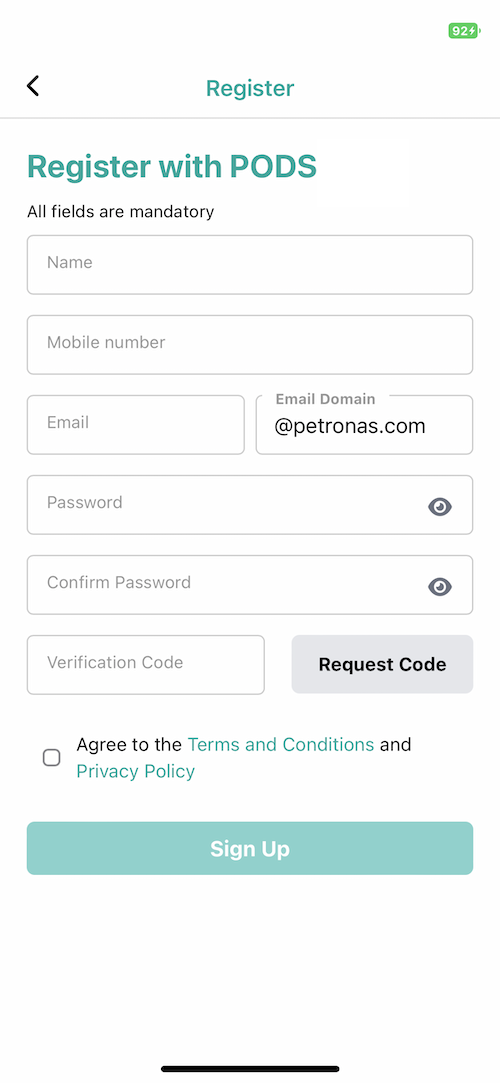
From the login page, tap on 'Sign up'
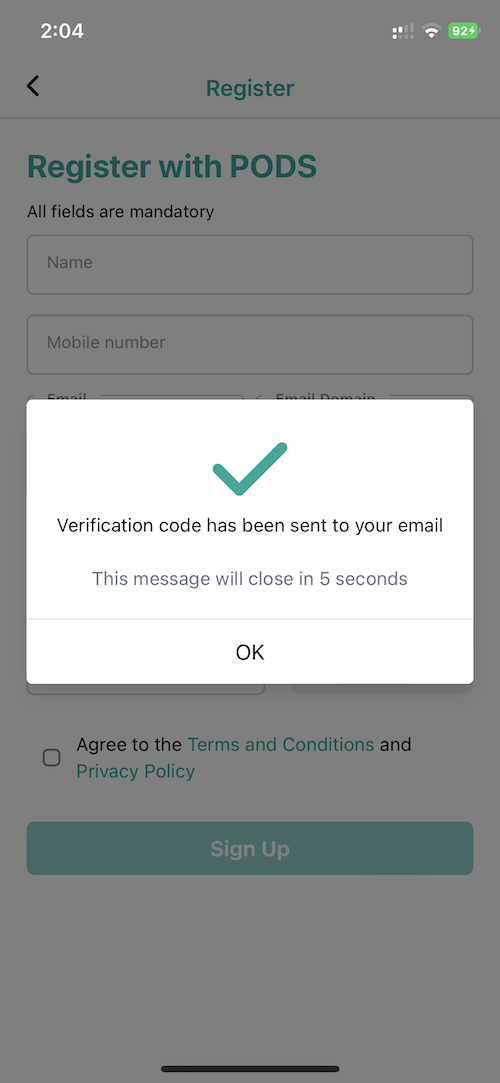
Enter your details and tap on request code. You will receive a verification code to your email account
Enter the verification code, check "Agree" and tap "Sign Up"

How to reset password

From the login page, tap on 'Forgot Password?'
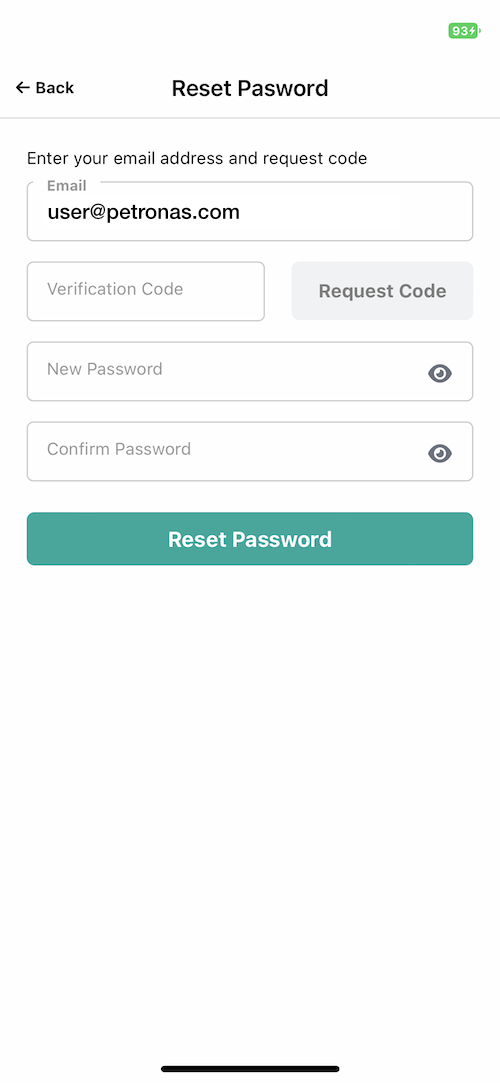
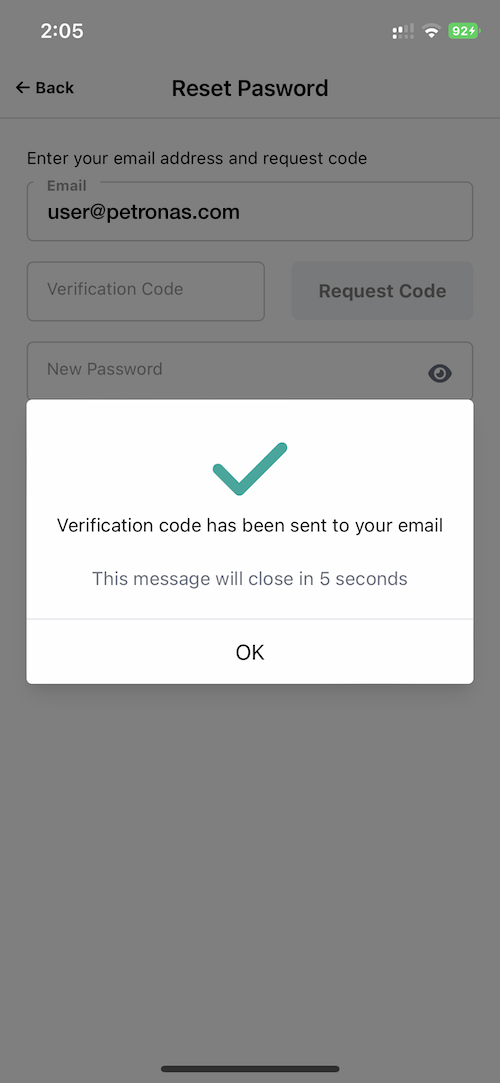
Enter your email address and tap on request code. You will receive a verification code to your email account
Enter the verification code and your new password and tap "Reset Password"

How to request a ride

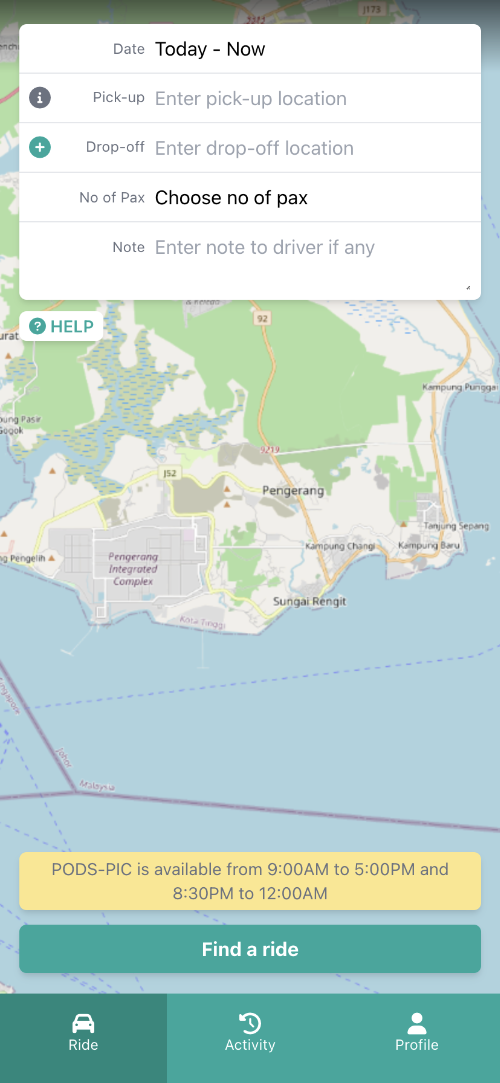
From the ride page
enter your pick-up and drop-off destination
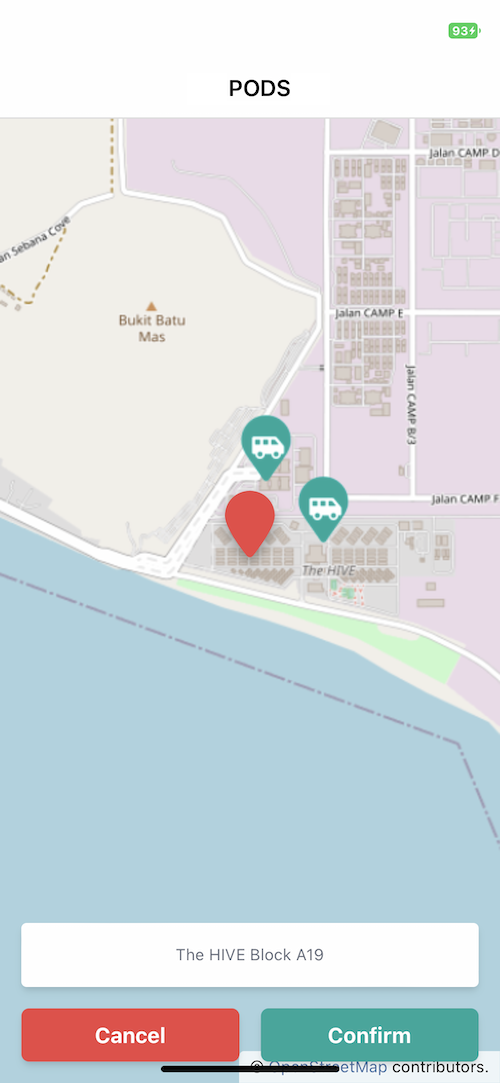
If you would like to choose from map, tap "Choose from map" and drag the map to your desired location and tap "Confirm"
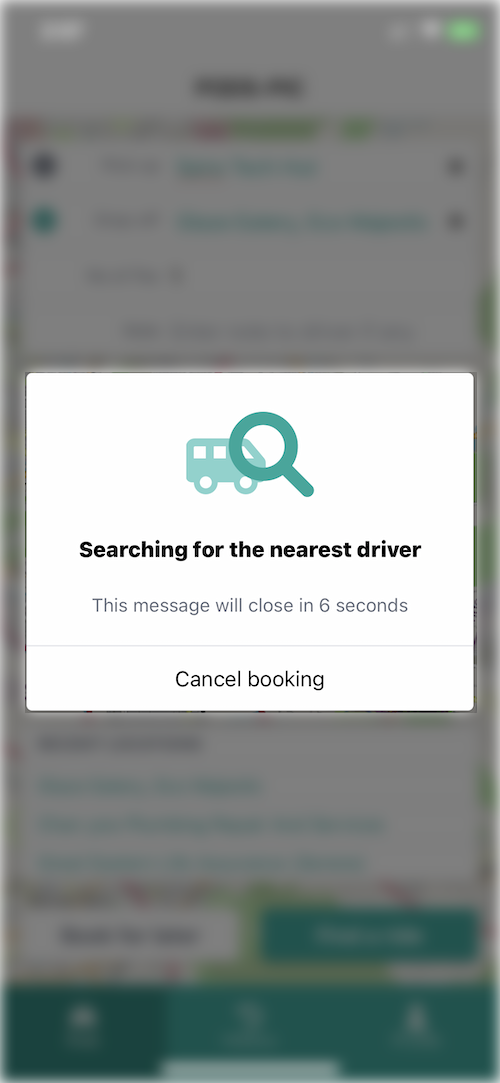
Tap "Find a ride" to start looking for the nearest driver to you
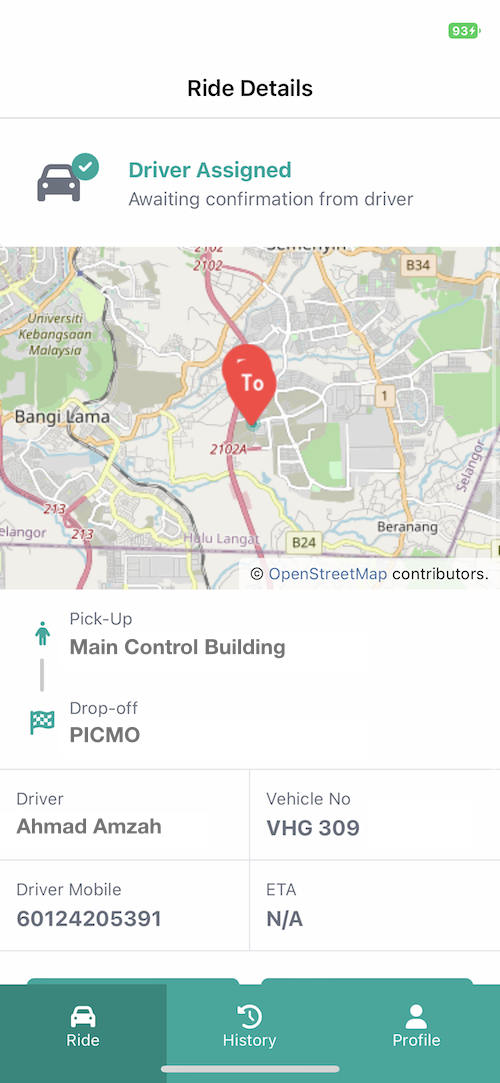
You will be notified once driver is assigned

How to book for later

Book for later is only available for next-day ride request.
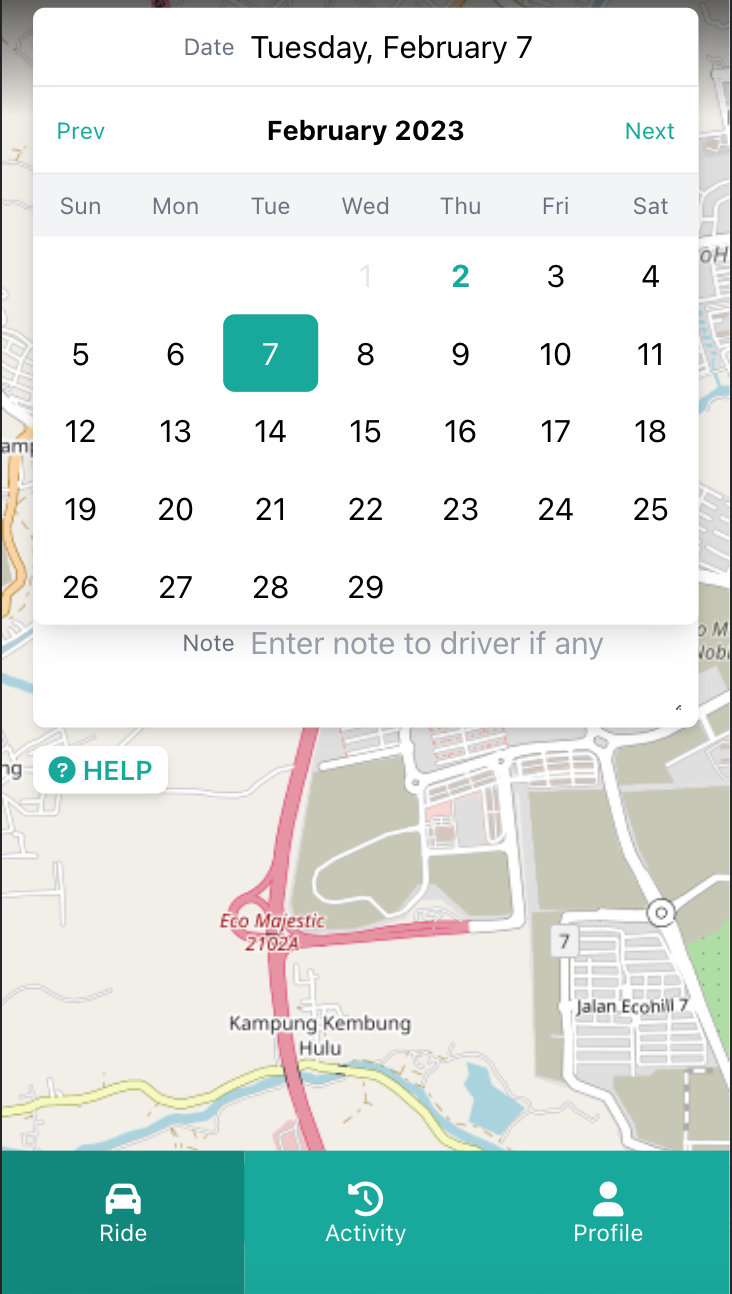
From the ride page
choose date for your ride
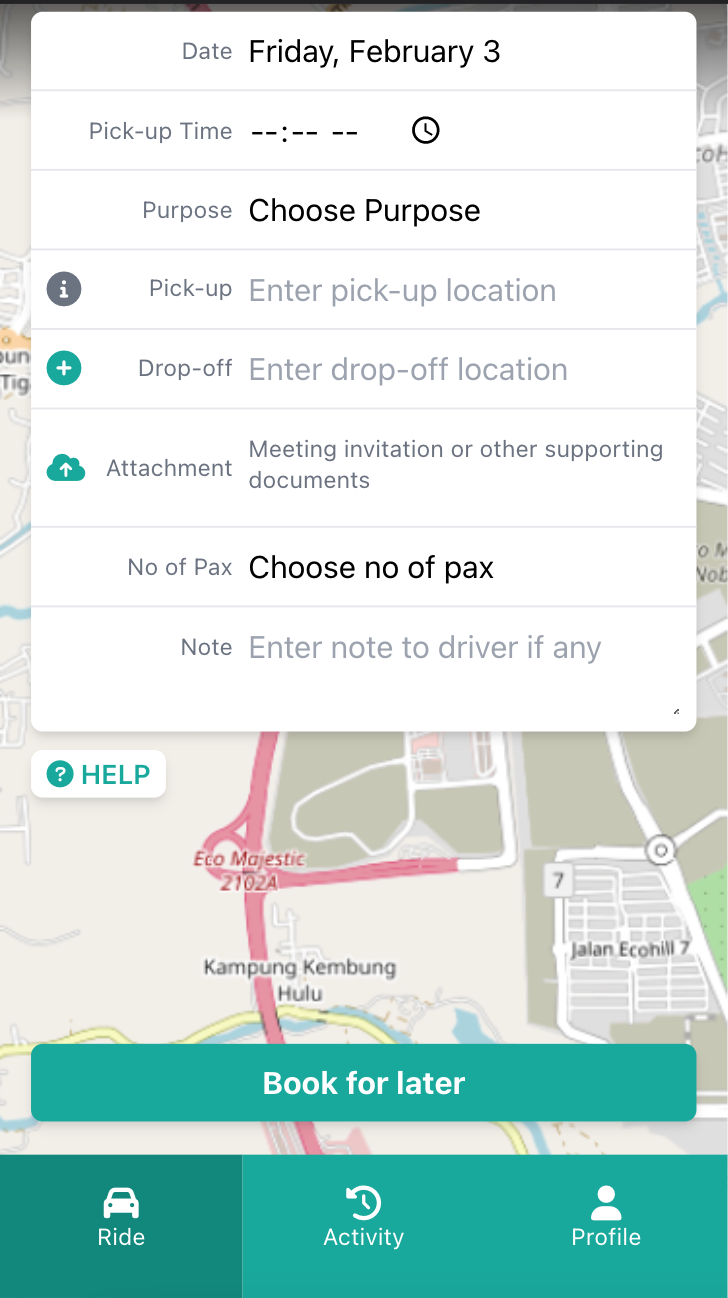
Provide more details such as pick-up time, purpose and necessary supporting documents such as invitation letter. For Airport transfer, TRAVEX and flight itinerary are required to confirm your ride request.
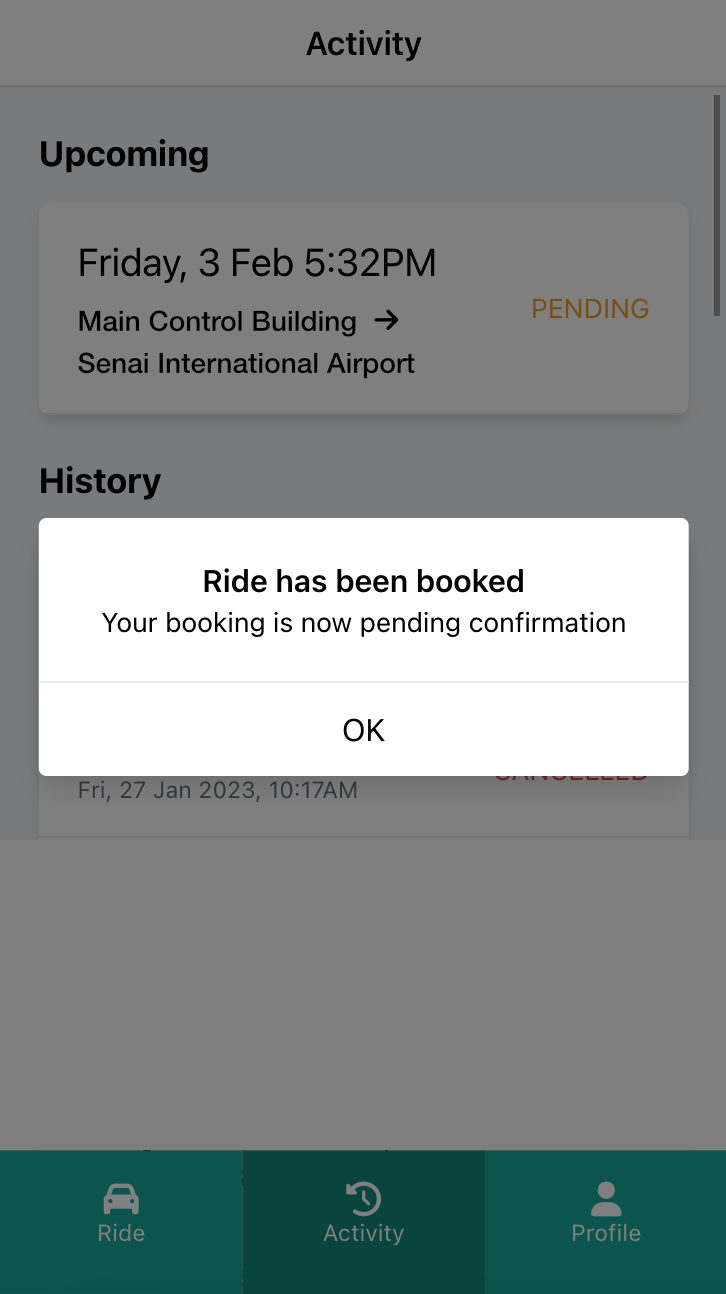
Once booking is submitted, your ride will be marked as 'Pending' until a driver has been assigned. You will be notified on the confirmation via email and push notification.
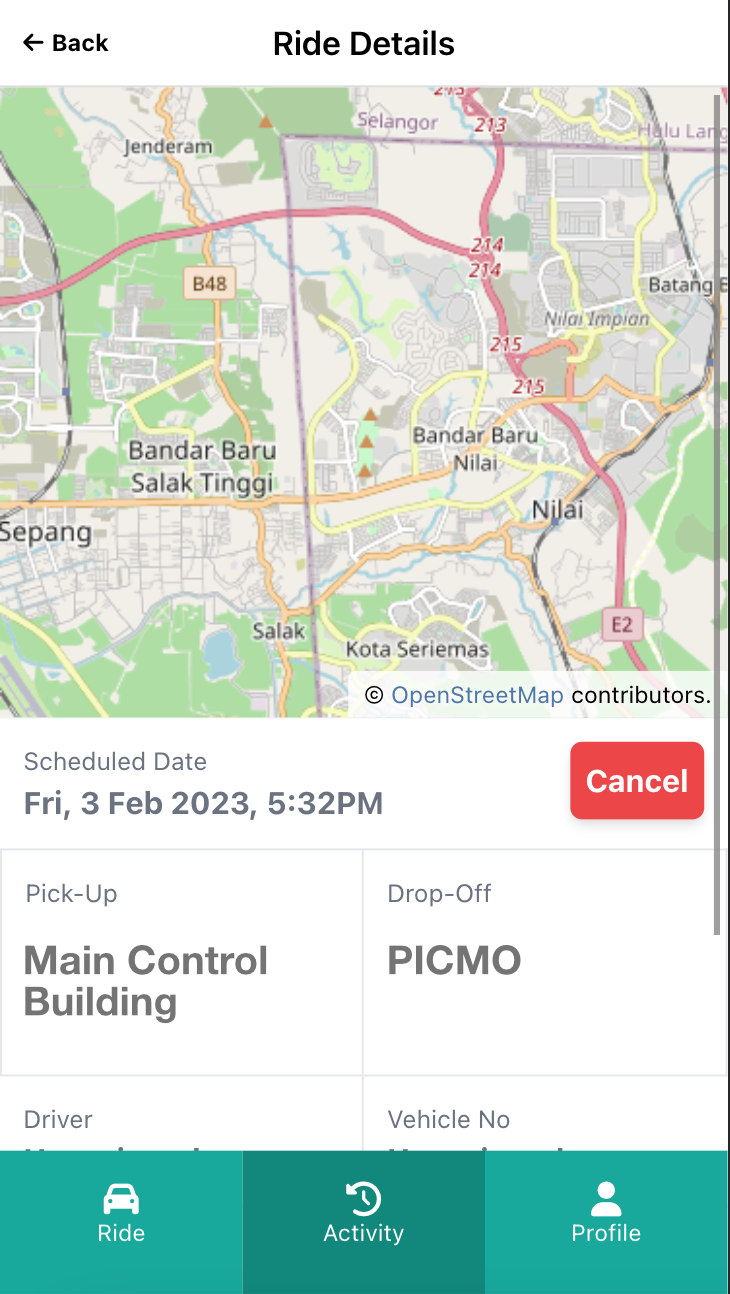
Your booked ride can be found in Activity > Upcoming. You may 'Cancel' the booking in the ride details screen

Cancelling a ride

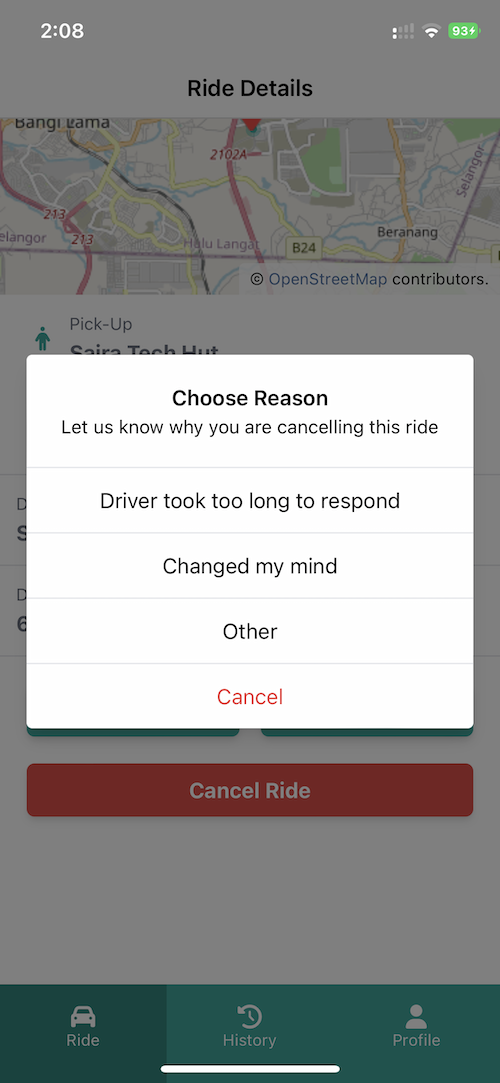
To cancel a ride, tap on "Cancel"
You will be prompted to submit a reason for cancellation
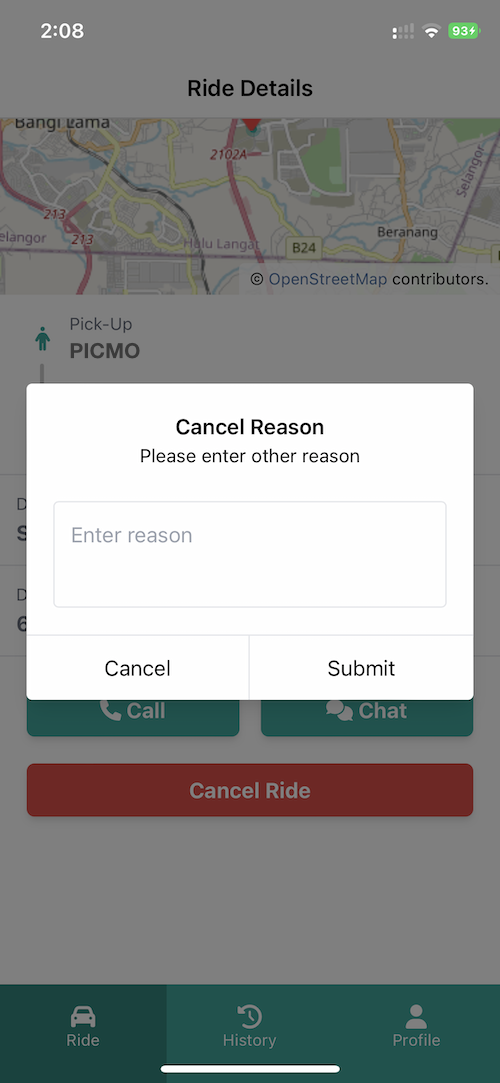
Choose "Other" if your reason is not listed and you will be required enter the reason manually

How to contact the driver

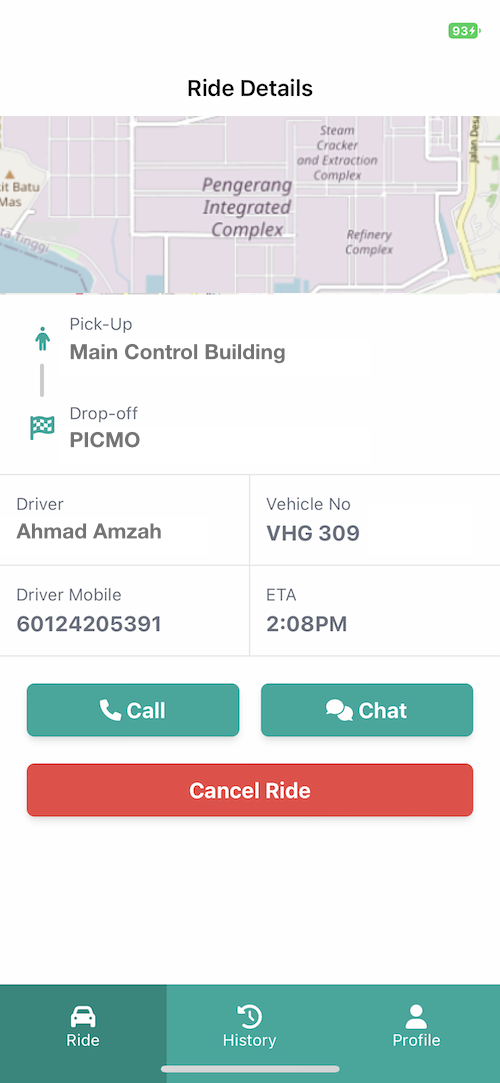
From the ride page, you can choose to "Call" or "Chat" with driver

How to rate/review the ride experience

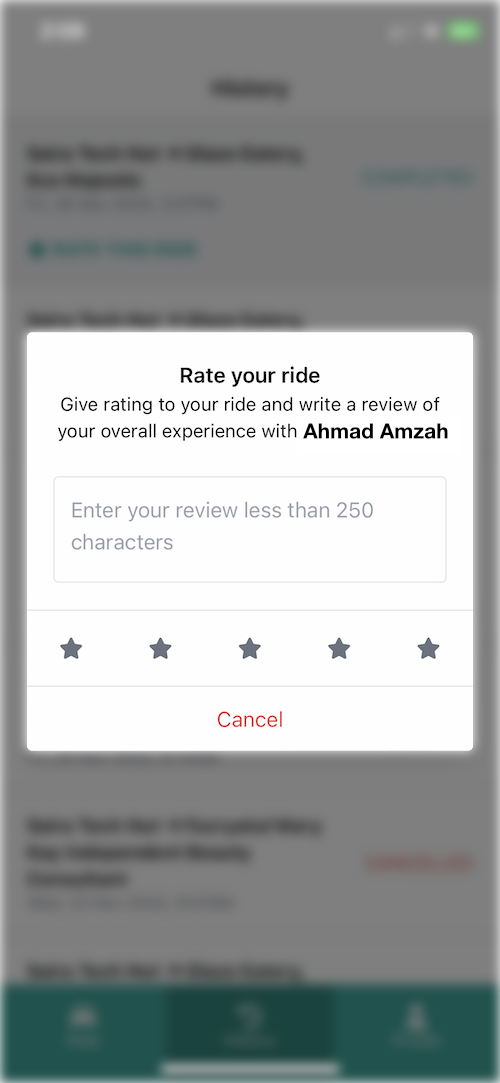
From the history page, tap "RATE THIS RIDE". Enter your review and tap on your star rating towards the experience.
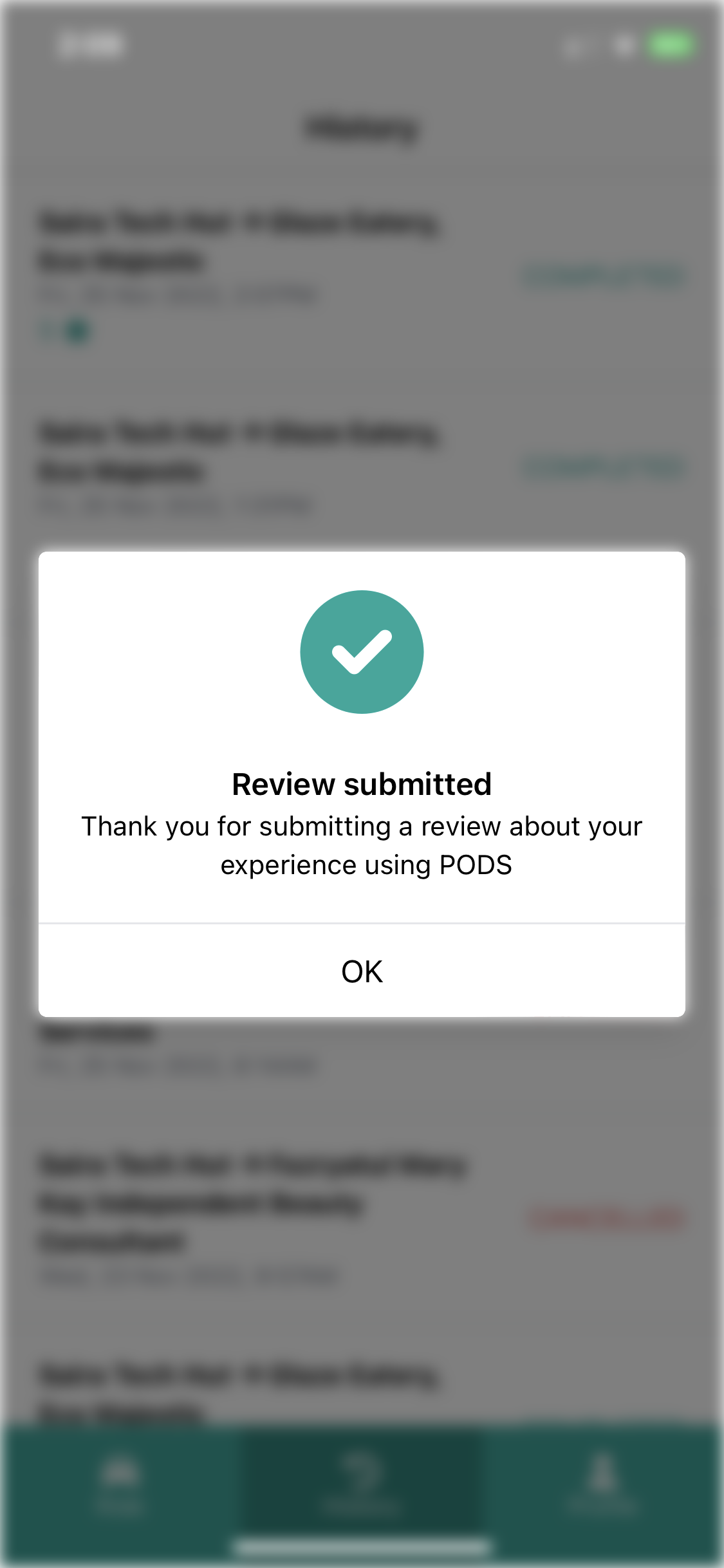
You will be notified once submitted